

Radio buttons are commonly used in websites when only one option must be selected at a time, such as account registration settings, user permissions, or visibility rules.
Because these choices directly affect how a system behaves, it’s essential to make sure that the selected option is saved correctly and remains unchanged after saving and reloading the page.
In this article, we demonstrate how to automatically verify radio button behavior in a Drupal CMS website using Webship-JS, ensuring the selection works exactly as expected.
We will use three steps specific to the radio button:
When I select radio button "value"
Selects the radio button specified by label text, value, or selector.
When (I |we ) select radio button "([^"]*)?"
Example #1: When I select radio button "Male"
Example #2: When I select radio button "female"
Example #3: When I select radio button "#gender-male"
Example #4: When we select radio button "option1"
Then the radio button "value" should be selected
Assert that the radio button with the specified selector should or should not be selected.
Then( the)* radio button with value "([^"]*)?" should( not)* be selected
Example #1: Then the radio button "#gender-male" should be selected
Example #2: Then the radio button ".option-1" should be selected
Then the radio button "value" should not be selected
This step definition is used to verify that the radio button is not selected.
Example #1: Then the radio button "#gender-female" should not be selected
Real Testing Context
We will walk through a real, practical example of a Drupal CMS system.
A radio button option is selected, saved, and automatically verified to ensure the correct setting is retained.
Feature: Radio Button Validation for Account Registration Settings in Drupal CMS
 Performed as an administrator.

 Scenario: Validate radio button selection
  Given I am on the homepage
   When I click "Log in"
    And I fill in "#edit-name" with "info@webship.co" by attr
    And I fill in "#edit-pass" with "d" by attr
    And I press "#edit-submit" by attr
    And I go to "/admin/config/people/accounts"
    And I scroll down 500
    And I select radio button "Visitors, but administrator approval is required"
    And I press "Save configuration"
    And I scroll down 500
   Then the radio button "Visitors, but administrator approval is required" should be selected
    And the radio button "Administrators only" should not be selected
In this video, this validates the radio button behavior in the Drupal CMS account registration settings.
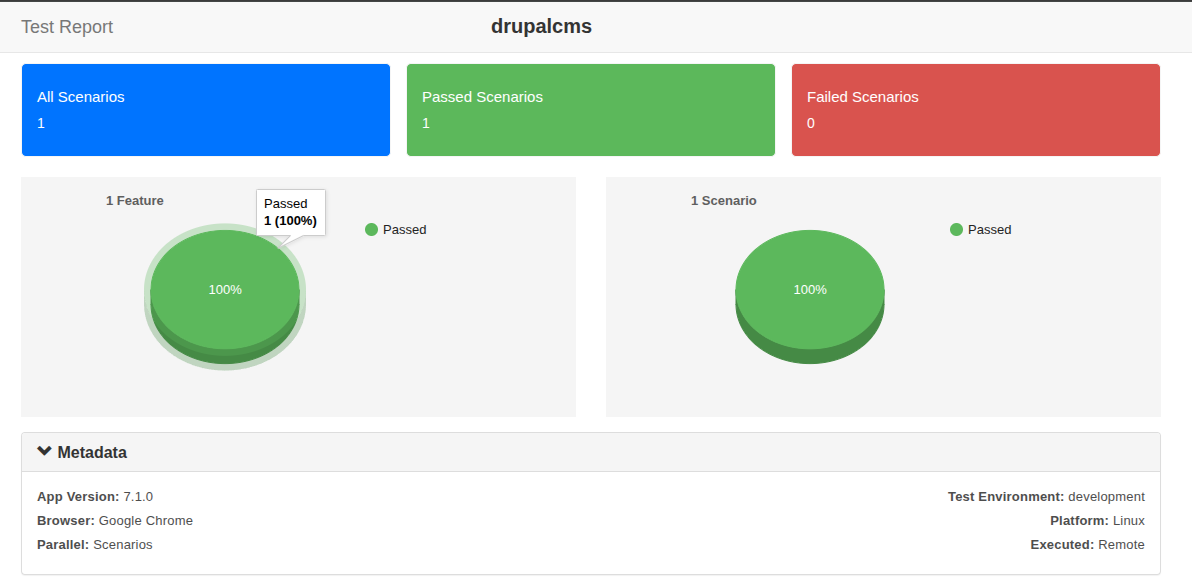
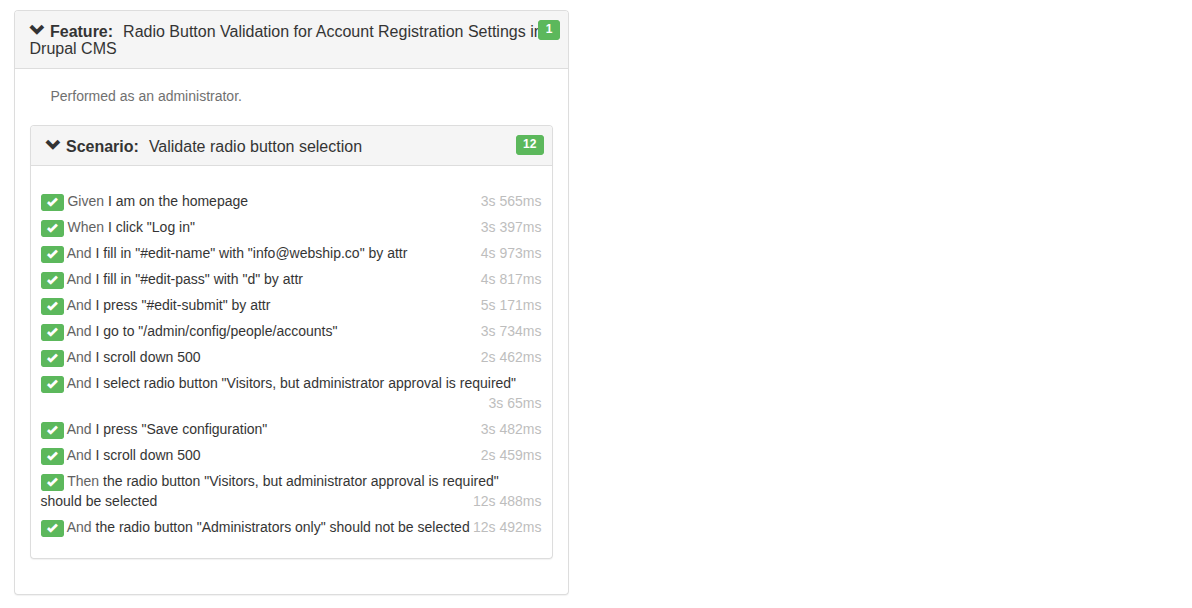
Display the results in the form of a report
You can see that all steps have been completed successfully
Conclusion
Imagine selecting the “Youth” age range.
Later, you come back and suddenly find yourself classified as “Old Age”.
For a moment, it feels like your hair turned white all at once.

That kind of surprise is exactly what shouldn’t happen in a system.
Radio buttons are supposed to reflect one clear choice, and any unexpected change reveals a real problem.
Learn more about Step Definitions in Webship-js
Visit the documentation site:- https://webship.co/docs